Specification
Set the details of the TARA Iteration
On the specification view, provide a clear and descriptive name along with a detailed description for the current TARA iteration to properly identify its purpose.
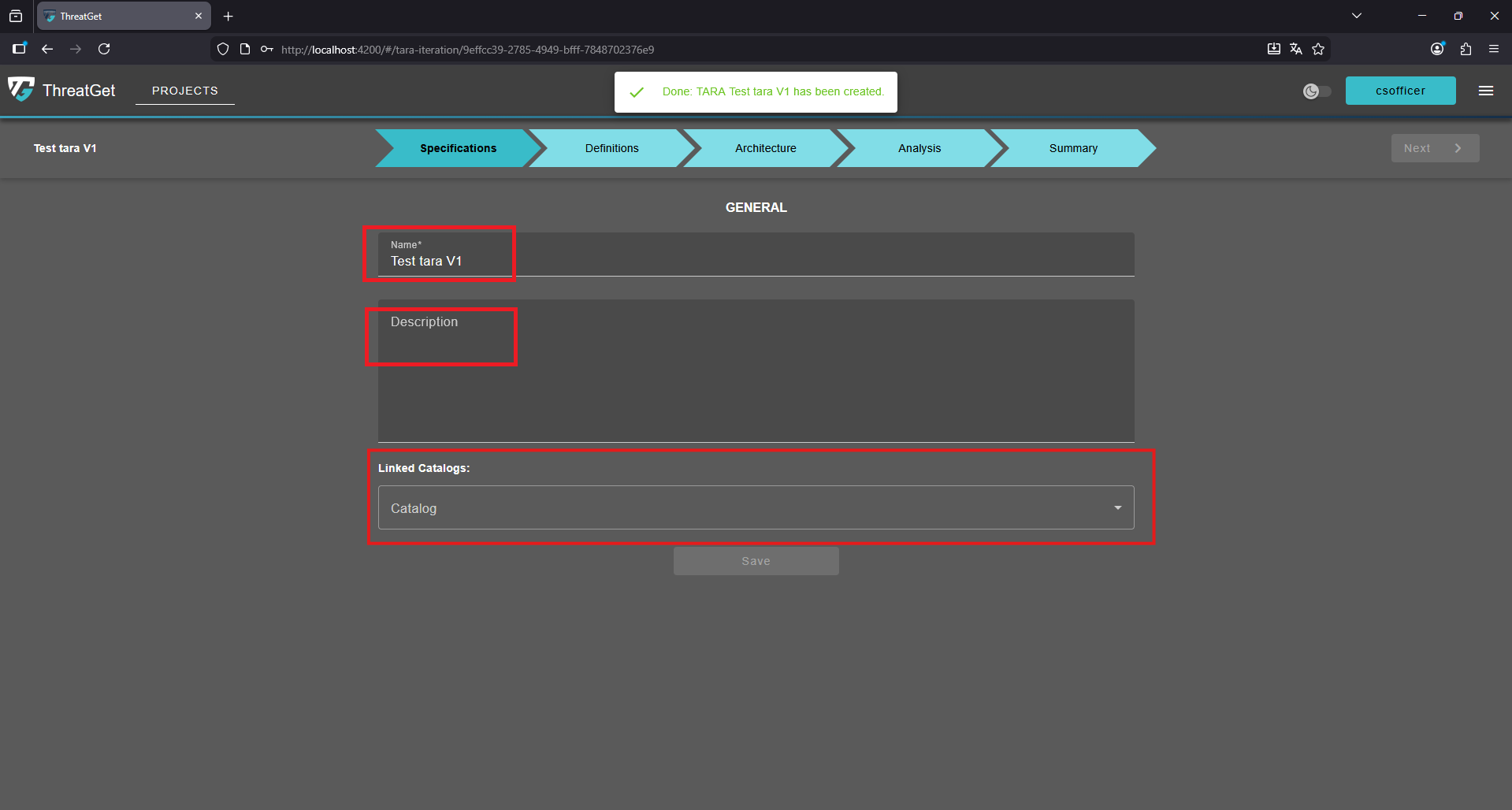
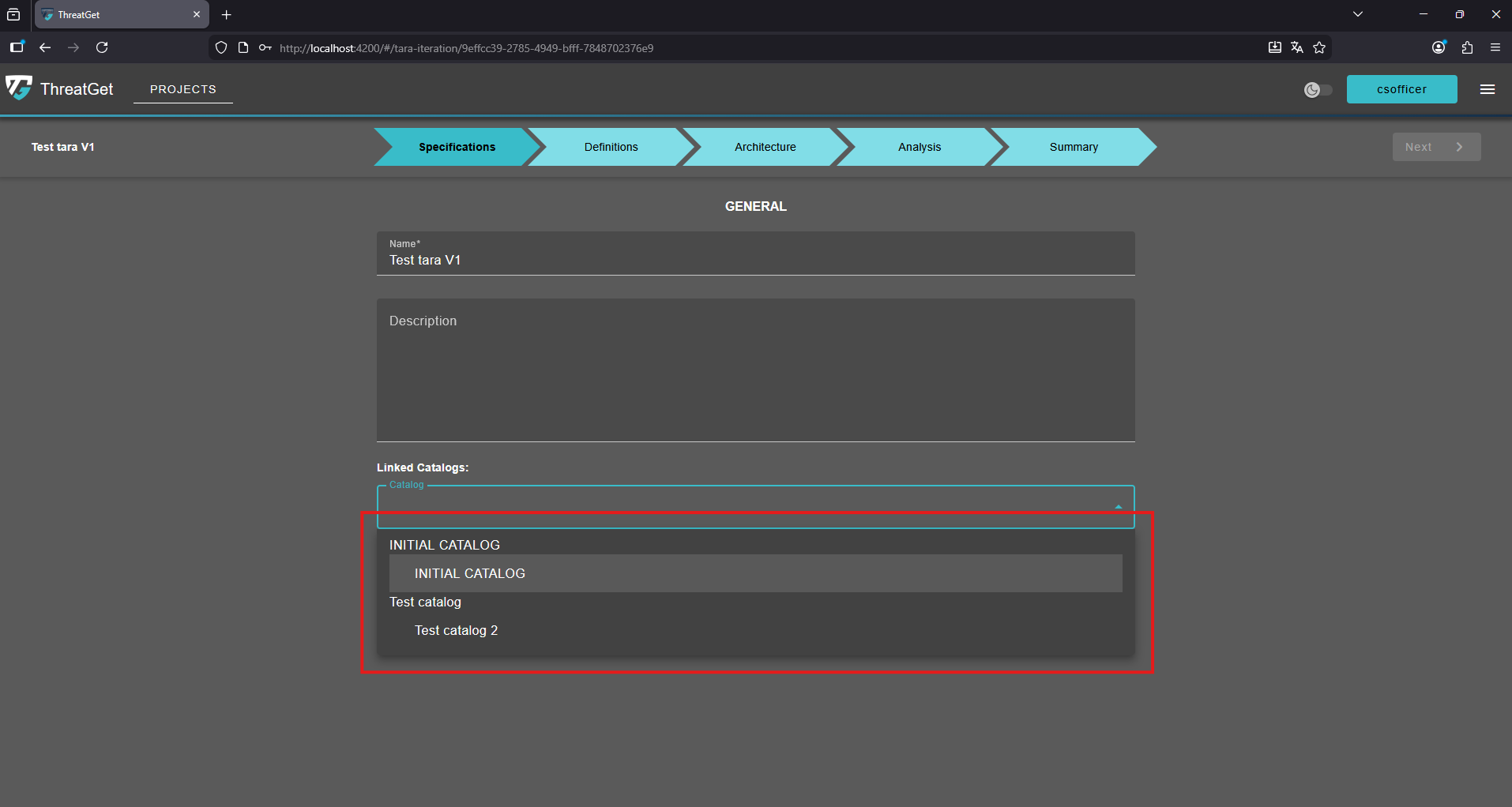
Click on the "Linked Catalogs" dropdown and select the catalog release you want to associate with the current TARA iteration.
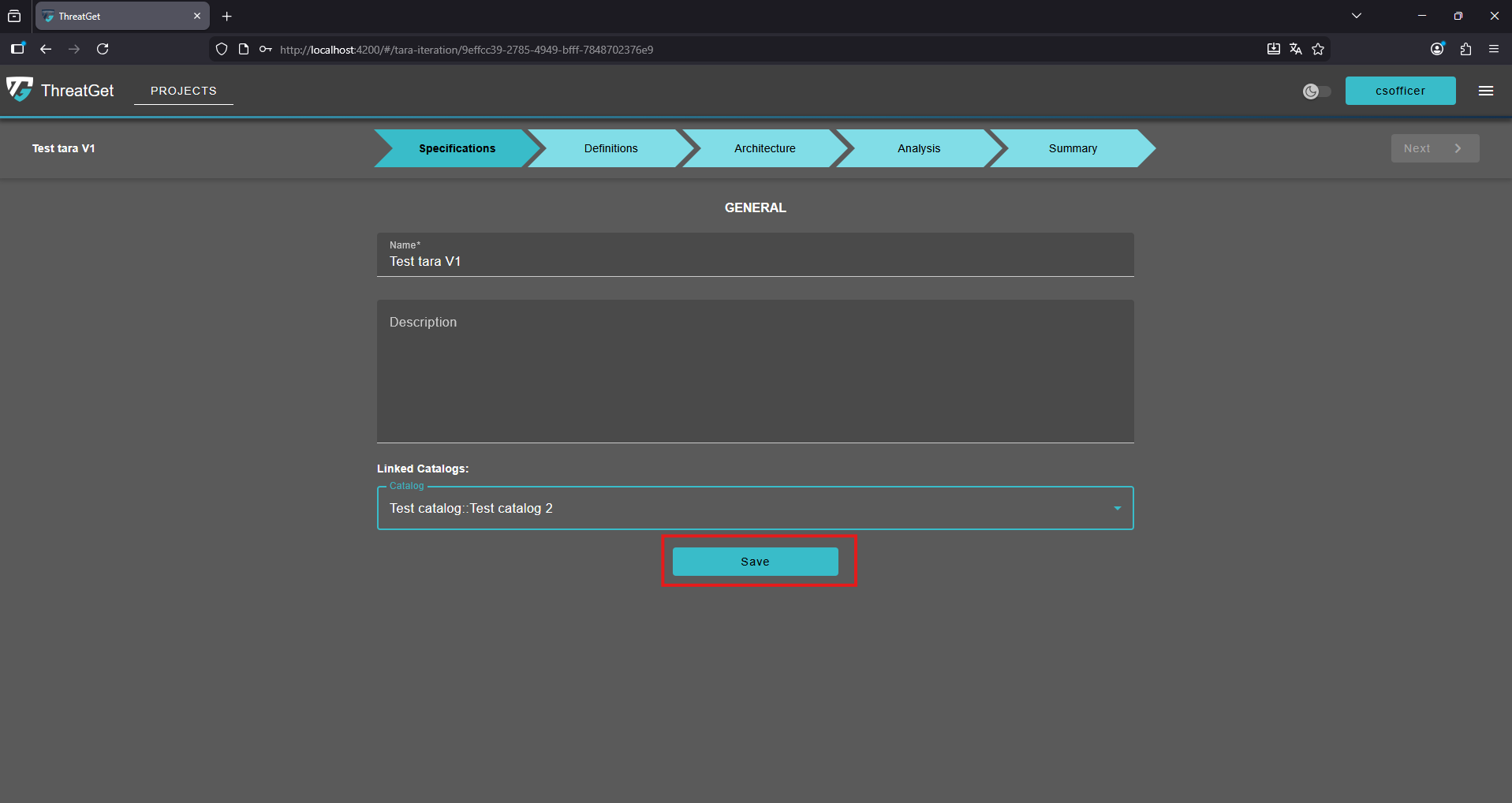
To confirm your inputs and selection of the catalog release press the "Save" button.
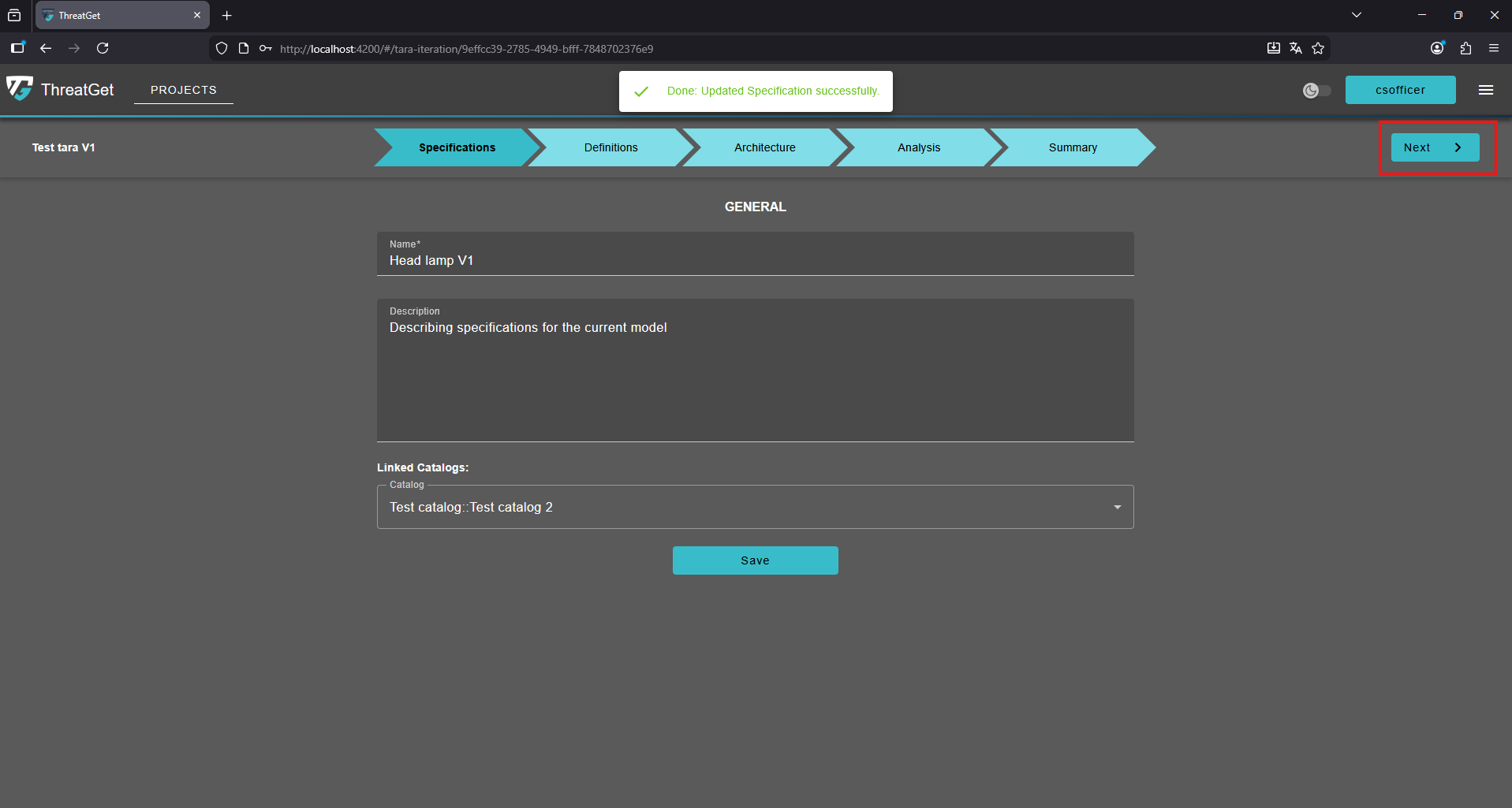
Once completed, proceed by clicking the "Next" button in the top right-corner of the page.
💡INFO
- A catalog release will only become available for selection in the catalog release dropdown once it has been successfully published. Unpublished releases will not appear as selectable options.
- If a TARA iteration is not linked to a catalog release, the system has no basis for determining which rules and tools should be used during the analysis. For this reason, you can only proceed to the next phase once a catalog release has been selected.
- Please note that if you change the catalog release of the current TARA iteration after performing an analysis, the analysis results associated with the previously selected release will no longer be available.