Toolbox
Overview
ThreatGet is a comprehensive tool for security analysis, offering extensive flexibility for users to extend its capabilities to meet specific requirements. When users need to create customized components, security controls, system properties, capabilities, or tags that don’t align with the existing options, ThreatGet’s toolbox provides the tools to do so. This allows users to easily expand the tool’s capabilities to meet precise expectations.
To create, alter or delete a catalog, its releases, toolbox and rules the Cybersecurity Architect role is required.
To navigate to the toolbox press the menu button and select Catalogs.
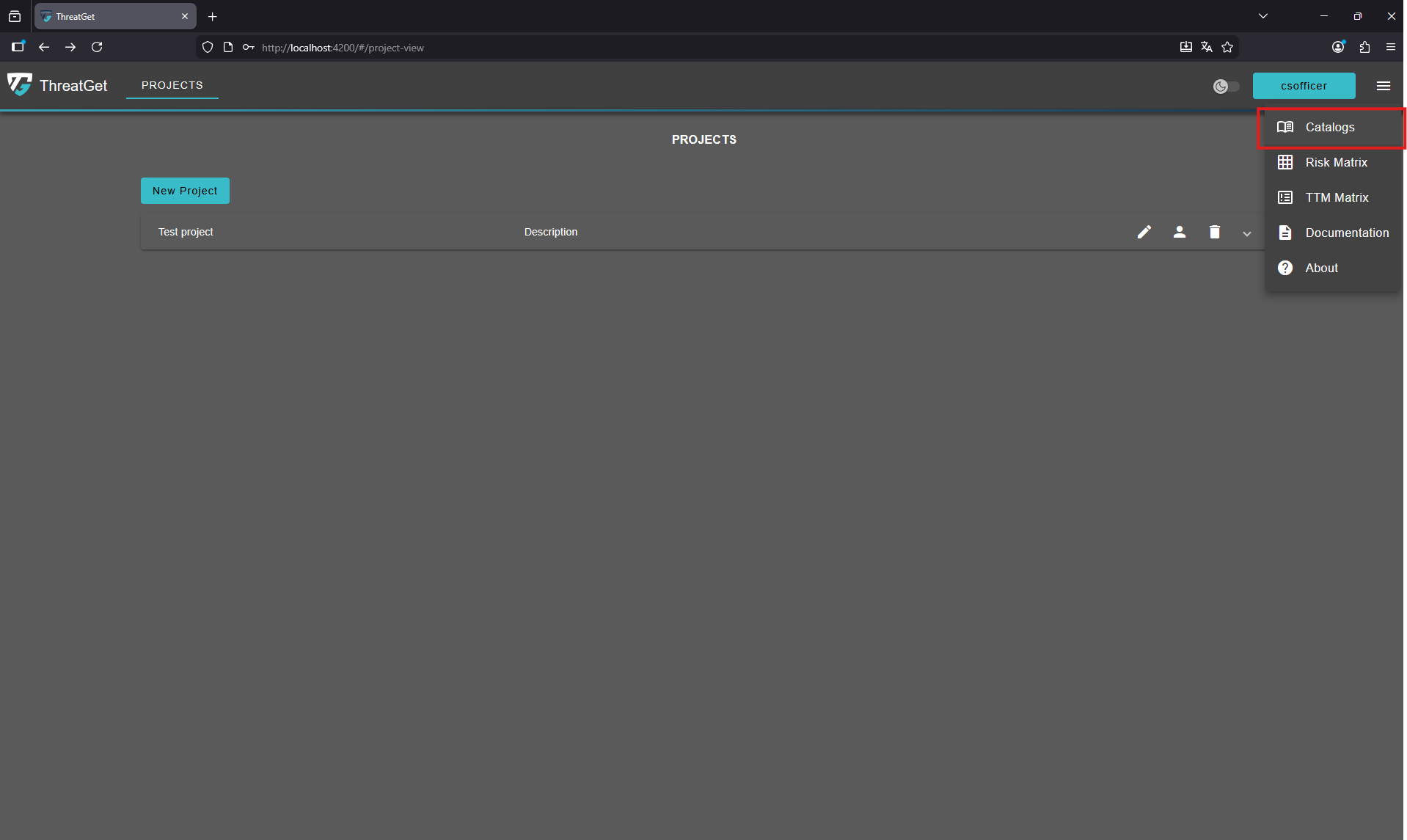
Select your custom catalog to modify its toolbox.
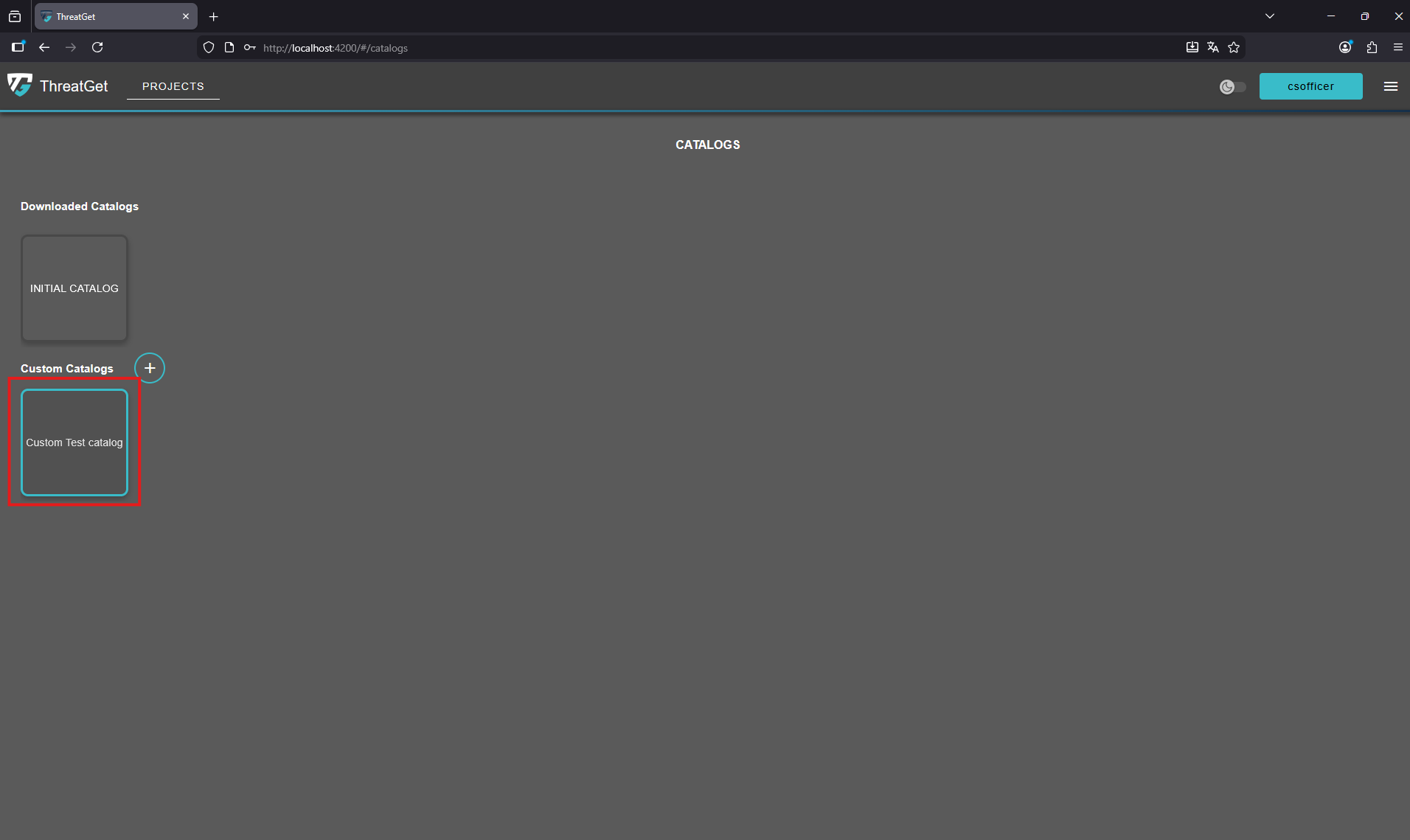
Once a catalog is selected, the user will automatically see the ThreatGet components list of the toolbox as the first displayed page.
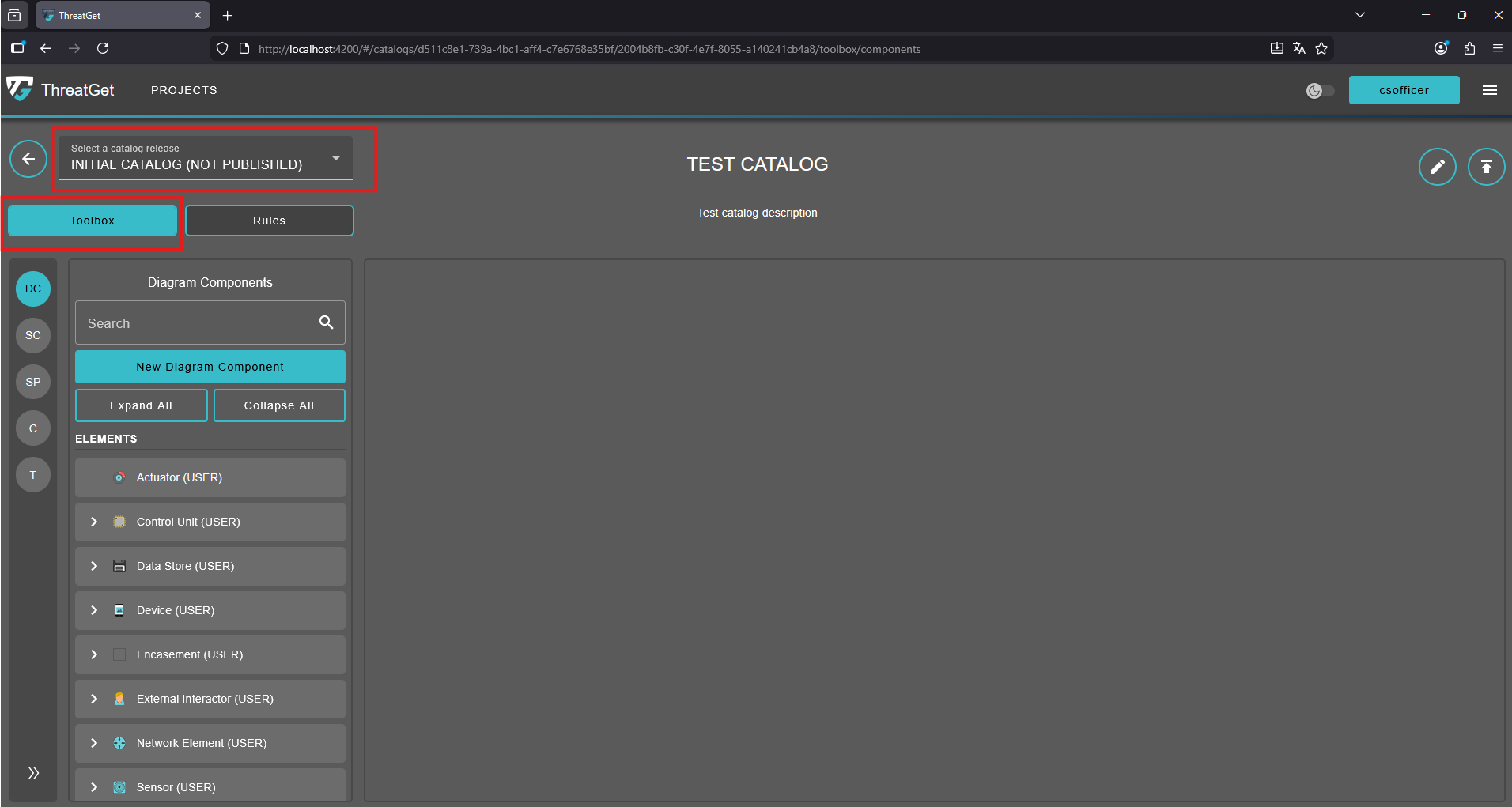
More details on creating ThreatGet components (i.e., elements, connectors, boundaries, and interfaces) are covered in the ThreatGet Components section.
On the left side, there are five options for managing different features of the ThreatGet toolbox (i.e., DC, SC, SP, C, T).
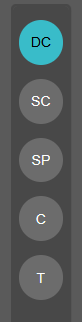
- DC (Diagram Components): This is the default page that opens when the Toolbox page is accessed, allowing users to manage diagram components. More details for creating components can be foud in Diagram Components section.
- SC (Security Controls): In ThreatGet security controls describe how well a component is protected. Their values are ordered/leveled. They determine how difficult a threat is to execute. More details for creating security controls can be foud in the Security Controls and System Properties section.
- SP (System Properties): In ThreatGet system properties describe how a component is configured or what role it plays in the system. Their values are binary or unordered. They determine whether a threat is applicable. More details on creating system properties can be found in the Security Controls and System Properties section.
- C (Capabilities): In ThreatGet, capabilities provide insight into the actions an attacker may take when a particular component is targeted. ThreatGet offers a range of capabilities to illustrate different types of actions attackers could perform on the targeted component, which could serve as steps toward achieving a primary malicious goal. More details on capabilities are discussed in the Capabilities section.
- T (Tags): In ThreatGet, tags enable the grouping of diagram components and rules, simplifying searches and facilitating the identification of correlations. More details on adding and managing tags are covered in the Tags section.
💡INFO
- A catalog release comes with its own unique toolbox and set of rules. Once the release is published, its toolbox and rules cannot be modified. However, they can still be inherited by another release. A catalog release must be published in order to be linked to an iteration.
- A downloaded catalog release cannot be modified initially. To use its toolbox, it must first be copied into a new or existing catalog.